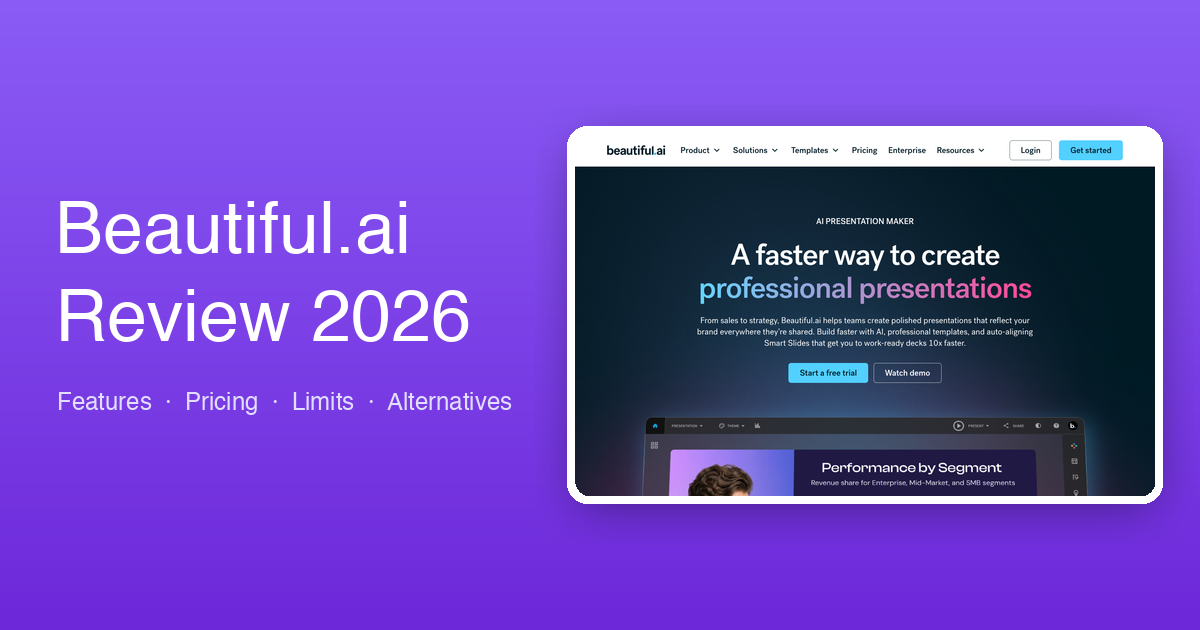
Beautiful.ai Review 2026: Verified Pricing, the Trial Gotcha & Who It Fits
Beautiful.ai verified for 2026: Pro $12/mo annual or $45 single month, Team $40/user/mo, and a 14-day trial that auto-charges. Where the design guardrails help, and where they become handcuffs.
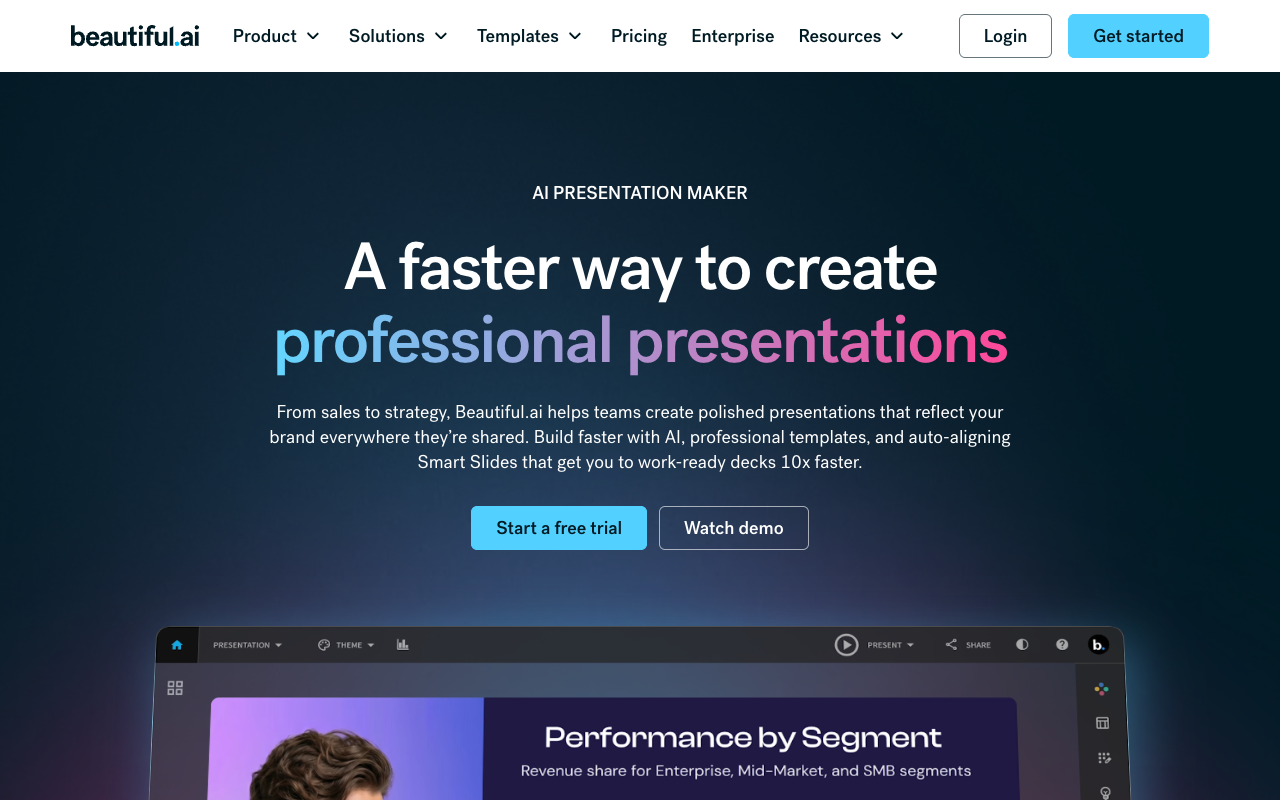
Beautiful.ai was one of the first "smart template" presentation tools, and its promise still holds: you genuinely cannot make an ugly slide. Its Smart Slides auto-arrange content as you type — add a fifth bullet and the layout rebalances, drop in a logo grid and everything aligns itself. This review covers where that's worth $12/month, where the guardrails become handcuffs, and the pricing details (verified July 2026) their marketing doesn't lead with.
Verdict up front
Beautiful.ai is the strongest design-guardrail system in the category — teams whose decks must always look on-brand get real value, because junior employees' slides come out looking design-reviewed. It's also the least flexible tool here: no meaningful free tier (a 14-day trial that requires a card and auto-charges unless canceled), prompt-first AI that doesn't ingest real documents well, and a Team tier at $40/user/month that makes the guardrails an expensive philosophy.
What Beautiful.ai is
Beautiful.ai (beautiful.ai) is a template-driven presentation builder with an AI layer (DesignerBot) on top. The foundation is a library of 300+ Smart Slide layouts with built-in design logic; DesignerBot drafts decks from prompts and fills templates with generated text and stock imagery. PowerPoint import/export and viewer analytics are included from the Pro tier.

What it does well
- Design consistency under pressure. The auto-layout behavior remains best-in-class: alignment, spacing, and animation handled for you, deck after deck.
- Brand enforcement for teams. Shared themes, locked slides, centralized template libraries, version control — the Team tier is genuinely built for "everyone's deck looks like ours."
- Unlimited generation on Pro. No credit meters — a real differentiator against Gamma's credit economy.
- Viewer analytics on shared decks, from the individual plan up.
Where it falls short
- The guardrails cut both ways. Custom layouts that deviate from Smart Slide patterns range from painful to impossible. Designers and anyone with a specific vision find it restrictive within days.
- Prompt-first, not document-first. DesignerBot starts from short prompts. Feeding it a dense PDF report, a spreadsheet, or multiple source files and getting a faithful deck is not the workflow it was built for.
- No free tier — and the trial auto-charges. The 14-day trial requires a credit card and converts to a paid plan automatically unless canceled. This is the most common complaint pattern in user reviews; set a reminder the day you start it.
- PPTX export simplifies. Export exists, but Smart Slide animations and some layouts flatten or shift — test with your real deck early if PowerPoint round-tripping matters.
- Team pricing escalates fast. $40/user/month (annual) — a 10-person team pays $4,800/year for design guardrails.
Pricing (verified from their pricing page, July 2026)
| Plan | Price | Notes |
|---|---|---|
| Pro (individual) | $12/mo billed annually — or $45 for a single month | Unlimited AI generation, 300+ Smart Slides, custom themes, PPTX import/export, analytics |
| Team (2–20 seats) | $40/user/mo annual ($50 monthly) | + real-time collaboration, central template library, locked slides, permissions |
| Enterprise (20+) | Custom | + SSO/SAML, SCIM, SOC 2 Type II, dedicated onboarding |
| Trial | 14 days, card required | Auto-charges unless canceled before expiry |
Beautiful.ai vs ChatSlide, honestly
| Beautiful.ai | ChatSlide | |
|---|---|---|
| Core strength | Design guardrails + brand consistency | Documents → complete deck, video, poster |
| AI input | Short prompts (DesignerBot) | PDF, Word, Excel, PPTX, URLs, YouTube — 20+ formats |
| Creative control | Constrained to Smart Slides | Fully editable slides + native PPTX export |
| Video / narration | — | AI voice, voice cloning, avatar video |
| Free tier | 14-day trial only (card required) | Free plan, 30 credits refreshed monthly |
| Paid from | $12/mo (annual) | $14.90/mo |
Choose Beautiful.ai when you're a team standardizing brand-consistent decks assembled by many hands, your content starts from outlines, and $40/user/month is cheaper than your design team's cleanup time.
Choose ChatSlide when decks start from material — papers, reports, spreadsheets, recorded talks — or the deliverable must be an editable PowerPoint, a narrated video, or both. Start with the AI presentation maker, or the AI PowerPoint generator when PPTX output is the point.
Frequently asked questions
Is Beautiful.ai free?
No. There's a 14-day trial that requires a credit card and auto-converts to paid unless canceled. ChatSlide's free plan refreshes 30 credits monthly with no card.
Does Beautiful.ai export to PowerPoint?
Yes, from Pro up — with simplification of animations and some layouts on export. Test early with a real deck.
Is there a one-off option?
Yes — $45 for a single month of Pro, useful for a one-time crunch without an annual commitment.
Is Beautiful.ai good for students and researchers?
The polish appeals, but no free tier plus weak document ingestion make it an awkward fit for paper-to-presentation work — that use case favors document-first tools.
Also weighing other options? See the Gamma AI review, Napkin AI review, SlidesAI review, and the full 100-tool comparison.
Author
2026/07/14


