
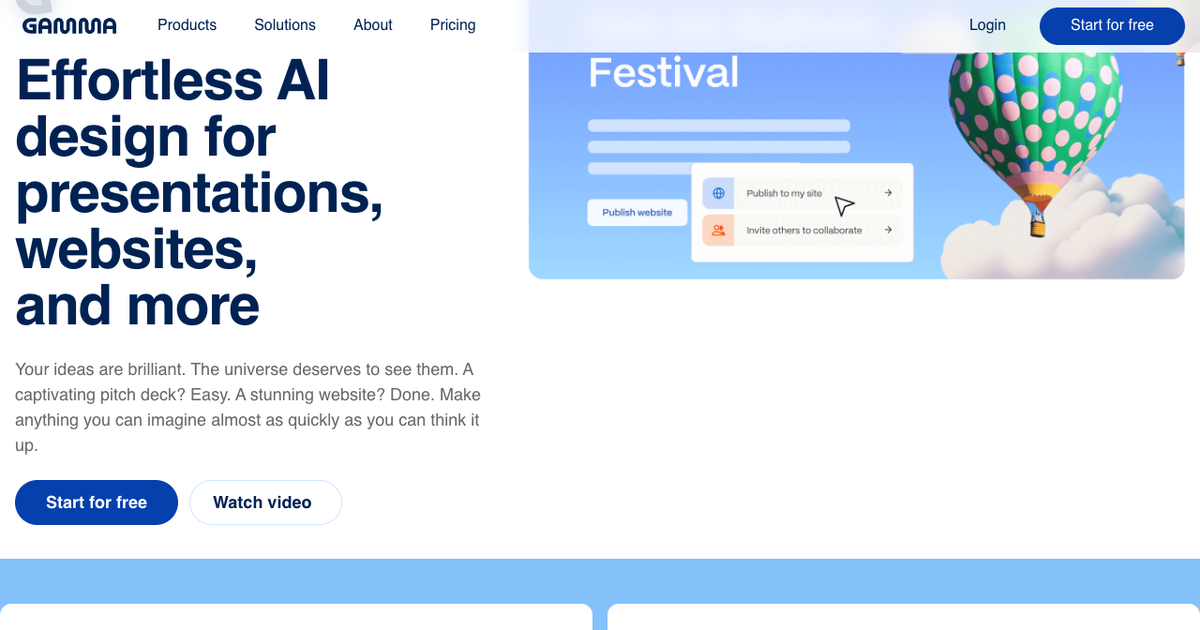

Gamma is the most-recognized AI presentation maker of the past three years, and unlike a lot of AI-tool hype, its core promise holds: type a prompt or paste an outline and you get a genuinely designed, web-native deck in about a minute. It's also a tool whose real costs — credits, export fidelity, the card format — only show up after you've adopted it. This review covers both halves, with Gamma's verified 2026 pricing.
Verdict up front
Gamma is the best-in-class tool for prompt-to-beautiful-web-deck. Its generation quality, design polish, and share-link analytics (views, time per card) are the benchmark everyone else gets measured against. Reviewers who create dozens of decks in it consistently land in the same place: brilliant for link-shared, browser-viewed presentations.
It is the wrong primary tool when your deliverable is a .pptx file. Gamma's scrollable card format doesn't map cleanly onto fixed 16:9 slides, and PowerPoint export consistency is the most-repeated complaint across independent reviews — layouts shift, fonts substitute, cards split awkwardly. Teams that live in PowerPoint adopt Gamma, hit the export wall, and go looking for alternatives.
What Gamma is
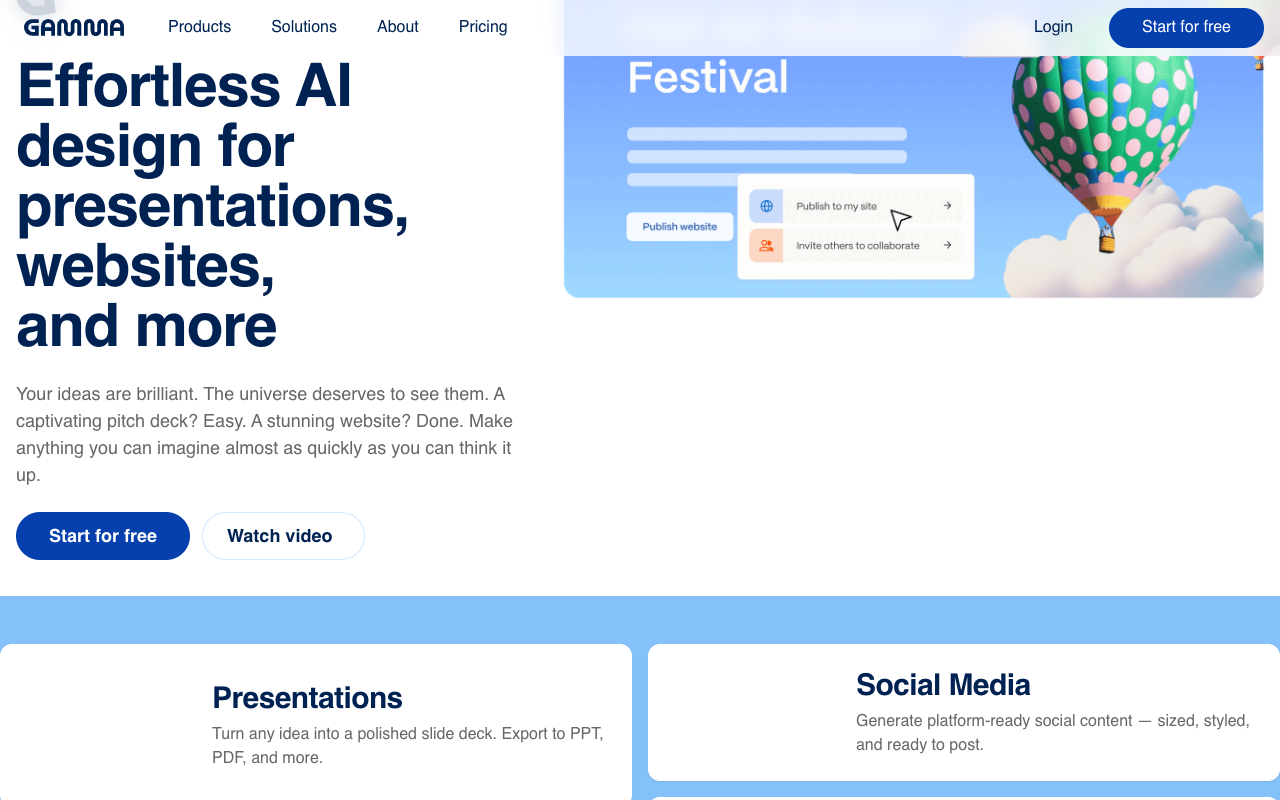
Gamma (gamma.app) generates presentations, documents, and simple websites from prompts, pasted text, or uploaded files. Its signature is the "card": decks are scrollable web cards rather than fixed slides — gorgeous in a browser, adaptive on phones, and fundamentally different from PowerPoint's page model. An AI agent handles bulk edits ("make all headings shorter", "translate the deck"), and built-in image generation covers visuals.

What it does well
- Prompt-to-polish speed. The out-of-the-box visual quality is the category benchmark — layouts feel designed, not templated.
- The AI agent. Deck-wide edits from one instruction is a real workflow win that most competitors still lack.
- Share-link analytics. When you share a Gamma link, you see views, time spent, and per-card attention — genuinely useful for sales decks and pitches.
- Websites and docs from the same engine. Founders use it for one-pagers as much as decks.
- A usable free start. 400 credits at signup and full export options (PDF, PPTX, PNG, Google Slides) on the free tier.
What users consistently criticize
- PowerPoint export loses fidelity. The #1 recurring complaint — and one we can confirm first-hand: ChatSlide operates a free Gamma-to-PowerPoint converter that processes real Gamma exports from users every day, so we see exactly what comes out. The pattern is consistent: text boxes shift position, fonts substitute, and long cards split across slides unpredictably. Gamma's own export behaves differently by mode, too — hands-on reviewers note that Classic-mode decks export as editable objects while Studio-mode cards come out as single flattened images with the text baked in, which is uneditable in PowerPoint.
- Credits run out faster than expected. Every AI action consumes credits, heavier models consume more (Gamma displays the per-model cost beside each option), and hands-on reviewers report the free tier's 400 signup credits — not monthly! — cover roughly 3–10 presentations before running dry. Paid tiers refill monthly, but "how many decks is 1,000 credits?" has no fixed answer because image-heavy generation with advanced models burns multiples of the basic rate.
- The card format is a commitment. Scroll-native decks are wonderful on the web and awkward everywhere PowerPoint conventions rule — fixed timings, printed handouts, corporate template compliance.
- Free tier caps decks at 10 cards (Plus: 20, Pro: 60, Ultra: 75) — fine for a lightning talk, tight for a lecture.
- No real animation controls, limited brand governance. Design is opinionated; enterprises wanting locked templates, brand kits enforced across teams, and admin controls find the guardrails thin at lower tiers.
Pricing (verified July 2026)
| Plan | Price (annual billing) | AI credits | Cards per prompt | Notable |
|---|---|---|---|---|
Free | $0 | 400 at signup (one-time) | 10 | Full export options, Gamma branding on output |
Plus | $9/seat/mo | 1,000 / month | 20 | Removes Gamma brand mark, better image models |
Pro | $18/seat/mo | 4,000 / month | 60 | Custom branding/fonts, analytics, API, custom domains |
Ultra | $90/seat/mo | 20,000 / month | 75 | Top text/image/video models, early access |
Annual billing saves up to ~28% vs monthly. The two gotchas worth knowing before subscribing: the free tier's credits are a one-time signup grant, not a monthly refill — and no tier is "unlimited"; heavy generation with premium models burns any allowance faster than the marketing implies.
Gamma vs ChatSlide, honestly
| Gamma | ChatSlide | |
|---|---|---|
Best at | Prompt → beautiful web deck | Documents → editable deck, video, and more |
Native PPTX | Export with fidelity loss | Native, fully editable PPTX |
Source material | Prompt, paste, file upload | PDF, Word, Excel, PPTX, URLs, YouTube — 20+ formats, multi-file |
Format | Scrollable cards | Standard slides |
Video output | — | Narrated video with AI voice, voice cloning, avatars |
Charts from data | Basic | Auto-generated from spreadsheets |
Share analytics | ✓ strong | Share links |
Free tier | 400 credits, one-time | 30 credits refreshed every month |
Paid from | $9/seat/mo (annual) | $14.90/mo |
Choose Gamma when the deliverable is a link: a startup one-pager, a portfolio, a sales deck viewed in a browser where its analytics shine.
Choose ChatSlide when the deliverable is a file or a video: lecture decks from readings, client decks from reports, conference talks from papers — anything starting from existing documents or ending in an editable PowerPoint. See the AI presentation maker, or the AI PowerPoint generator when PPTX output is the point. Already have Gamma decks? The free Gamma to PowerPoint converter gets them out cleanly.
Who should actually buy it
- Founders, marketers, and sales teams sharing decks as links: Plus at $9 is excellent value, and Pro's analytics justify $18 for pipeline-facing decks.
- Anyone whose org lives in PowerPoint: the export wall makes Gamma a drafting tool at best here.
- Educators and researchers starting from papers/PDFs: document-first tools fit the workflow better.
- Heavy generators on a budget: model the credit burn honestly before picking a tier — reviewers consistently underestimate it.
Frequently asked questions
Is Gamma AI free? There's a free tier with 400 credits granted once at signup (not monthly) and Gamma branding on output. Paid plans start at $9/seat/mo billed annually.
Can Gamma export to PowerPoint? Yes — including on the free plan — but the card-to-slide conversion is the product's weakest edge: expect layout shifts and font substitutions on non-trivial decks.
What are Gamma credits and why do they run out? Every AI action (generation, edits, images) costs credits, and costs vary by model. That's why the same allowance lasts different users very different lengths of time.
Which is better for students and researchers? Paper-to-presentation workflows favor document-first tools: upload the PDF, get structured slides with speaker notes, export to the department's PPTX template. Gamma favors quick visual talks built from an outline.
Also comparing other tools? See our SlidesAI review, Beautiful.ai review, Napkin AI review, the best Gamma alternative breakdown, and the full 100-tool comparison.