Quick Answer: ChatSlide is an AI demo presentation maker that turns your product story, use cases, and proof points into a tight demo deck in under 2 minutes — with speaker notes for a smooth live demo, real charts from your data, and 19 AI editing tools to tailor it per prospect.
The Demo Deck Problem
A demo deck wraps the product in a story: the prospect's problem, the workflow that solves it, the proof, and the next step. It's not the product itself, but it frames every live demo — and reps rebuild it for each segment, each persona, each big deal.
Demo decks have requirements generic tools miss:
- A demo narrative — problem, before/after, the workflow, proof, pricing, next step
- Proof points — ROI, results, benchmarks charted from real data
- Personalization — tailored to the prospect's industry and pain
- Speaker notes — a script so the live demo flows
- Reuse — the same core demo, retargeted constantly
Generic tools like Gamma, Tome, or Beautiful.ai make slides but often need more manual work to write your demo script or chart your ROI proof.
What Makes ChatSlide Work for Demos
Speaker Notes for a Smooth Live Demo
ChatSlide generates speaker notes as a deliverable demo script — "write demo notes for a 15-minute call with a manufacturing prospect" — so the live walkthrough flows and every rep tells the same story.
3 Input Modes
- File Upload — product one-pagers, case studies, ROI data, prior demo decks (7+ file types, OCR).
- Web and URL — pull from your product page or a prospect's site to tailor the framing.
- Text Prompt — describe the product and prospect and let the AI build the demo flow.
Real Proof Charts
ChatSlide renders charts with Chart.js and D3 from your actual data — ROI, time saved, benchmark results — real proof, not stock graphics.
19 AI Editing Tools
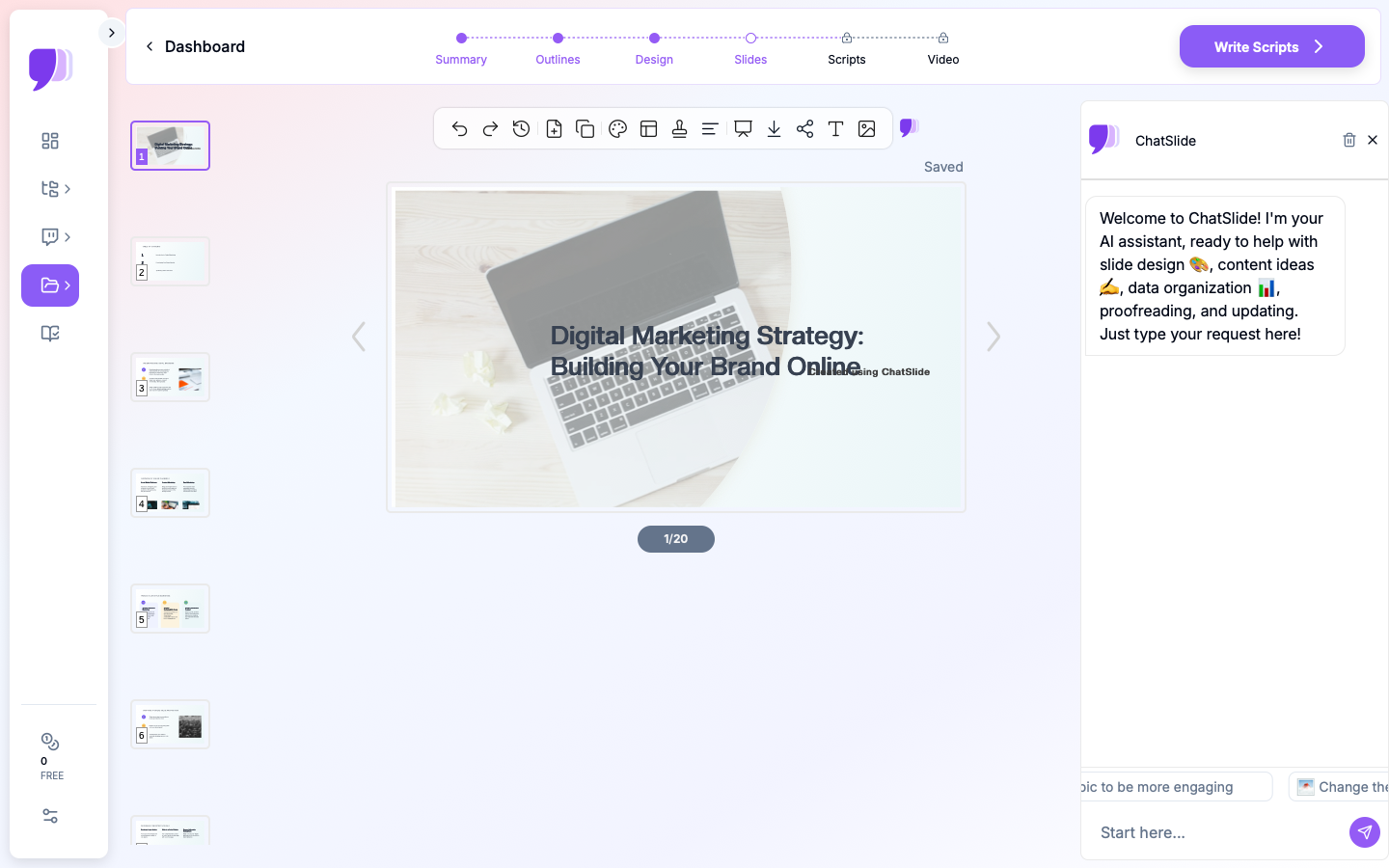
"Retarget this demo for healthcare," "Add a before/after workflow slide," "Insert an ROI chart from this data," "Tighten to 10 slides for a first call." Four editing modes and batch editing make per-prospect tailoring fast.
Leave-Behind Video
Export a narrated AI-avatar video of the demo so prospects can share it internally with the buying committee.
How ChatSlide Builds a Demo Deck
- Bring your material — upload product docs and proof, or describe the product and prospect.
- AI builds the flow — problem → workflow → proof → next step, with speaker notes.
- Edit with 19 tools — retarget the industry, add proof, tighten the length.
- Present and leave behind — present live, then export a narrated video for the committee.
Frequently Asked Questions
Can it write the demo script?
Yes. ChatSlide generates deliverable speaker notes for the live demo, at the length and audience you specify.
Can I tailor it per prospect?
Yes. Use the editing tools to retarget industry and persona, or point it at the prospect's site.
Can it chart our ROI proof?
Yes. Provide the data and ChatSlide builds real charts with Chart.js and D3.
Can I make a leave-behind?
Yes. Export a narrated avatar video the prospect can share internally.
Can the sales team share a standard version?
Yes — Teams, Folders, Sharing, and Embed keep the core demo consistent.
The Demo Deck: Slide-by-Slide Outline
The deck frames the live demo — it is not the demo itself. A discovery-driven flow:
- Discovery recap — "here's what you told us matters" (earns the room)
- The demo promise — the one outcome you'll show
- Their world today — the before state and its cost
- The workflow — walk the happy path that solves their pain (live product)
- Proof — ROI, results, or a similar customer (charted)
- Objection pre-empt — address the likely concern (security, integration, price)
- Pricing / packaging — only if they're ready
- Clear next step — the specific mutual action
Tip: tailor the discovery-recap and happy-path slides per prospect; keep the proof and next-step slides standard. ChatSlide builds the deck and speaker notes — you still drive the live product.
Getting Started
Try ChatSlide for Demo Presentations — Bring your product story and get a tight, tailored demo deck with speaker notes in minutes. Free to start, no credit card required.
ChatSlide is a general-purpose AI presentation platform. Auto-generated speaker notes, real data charts, multi-format import, avatar video, and 19 AI editing tools make it well-suited to product and sales demos.