Quick Answer: ChatSlide is an AI portfolio presentation maker that turns your projects, case studies, and results into a polished portfolio deck in under 2 minutes — importing your existing work, building clean project layouts and result charts, and giving you 19 AI editing tools to tailor it for a client pitch, an interview, or a review.
The Portfolio Deck Problem
A portfolio has to prove capability through work: the right projects, framed as outcomes, tailored to whoever is looking — a client, a hiring panel, a review committee. Freelancers, agencies, designers, and consultants rebuild it constantly, and it's tedious to reformat every case study into consistent, on-brand slides.
Portfolio decks have requirements generic tools miss:
- A case-study structure — challenge, approach, work, result — repeated cleanly per project
- Real results — metrics and outcomes charted, not just pretty visuals
- Consistency — every project should read in the same clean format
- Mixed inputs — old case studies, project docs, images, prior decks
- Tailoring — different projects front-and-center for different audiences
Generic tools like Gamma, Tome, or Beautiful.ai make attractive slides but often need more manual work to structure your projects into consistent outcome-driven case studies or chart your results.
What Makes ChatSlide Work for Portfolios
Consistent Case-Study Structure
Describe your case-study format once — challenge, approach, work, result — and the AI structures every project into it, so a mixed set of past work reads as one clean, professional portfolio.
3 Input Modes
- File Upload — old case studies, project briefs, images, prior decks (7+ file types, OCR).
- Web and URL — pull from a live project page or your site.
- Text Prompt — describe a project and let the AI write the case study.
Result Charts, Not Just Visuals
ChatSlide renders charts with Chart.js and D3 from your actual results — growth, engagement, performance lift — so your portfolio proves outcomes, not just aesthetics.
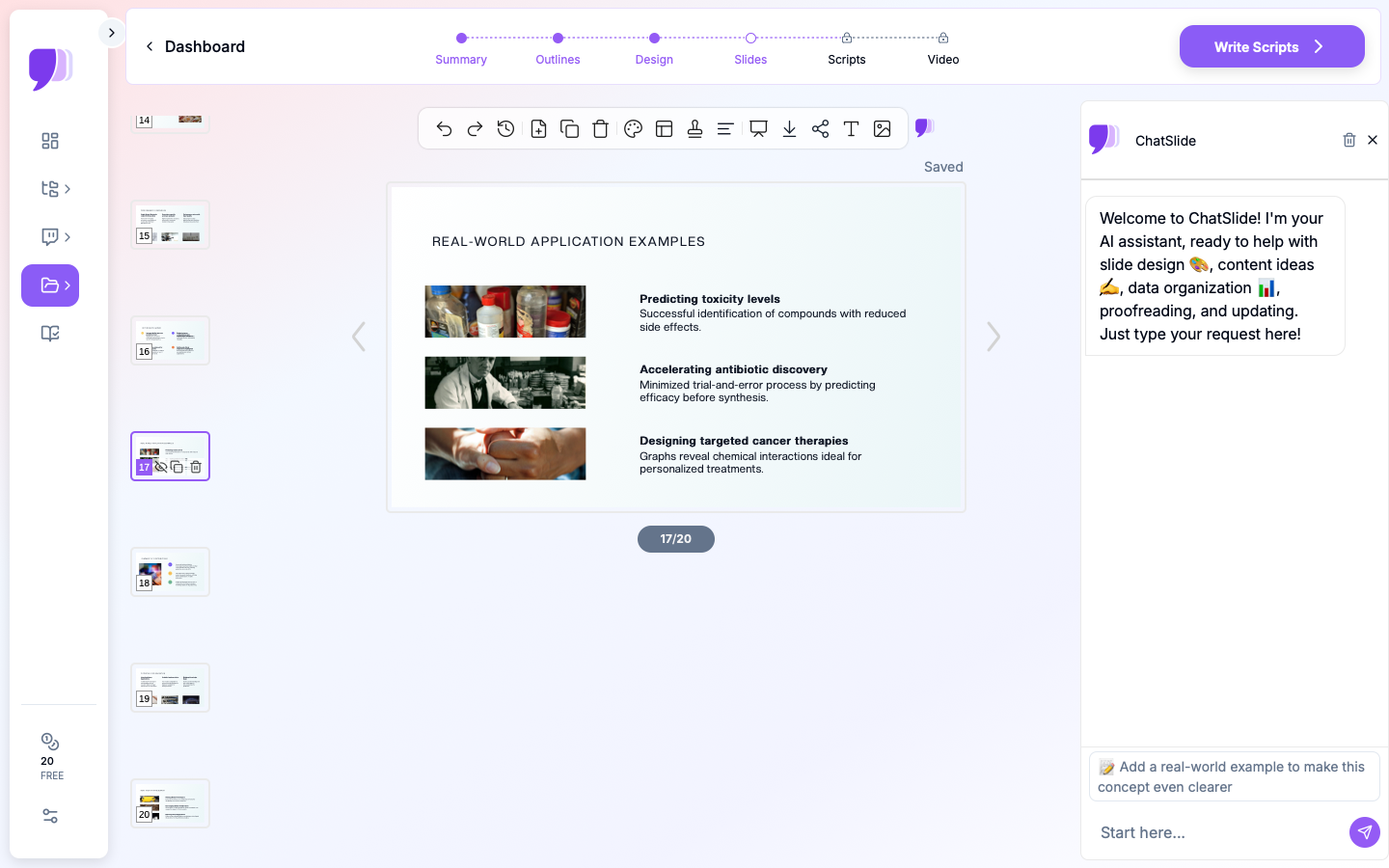
19 AI Editing Tools
"Reformat all projects into challenge/approach/result," "Add a results chart to this case study," "Reorder to lead with the SaaS projects," "Tailor for a branding-agency interview." Four editing modes and batch editing keep it consistent and targeted.
Share Any Way
Export to PowerPoint or PDF, share a link, or export a narrated AI-avatar video walkthrough for an async review.
How ChatSlide Builds a Portfolio Deck
- Bring your work — upload case studies and project files, or describe the projects.
- AI structures it — into consistent, outcome-driven case studies with result charts.
- Edit with 19 tools — reorder, retarget, add results.
- Present and share — export, share a link, or send a narrated walkthrough.
Frequently Asked Questions
Can it make all my projects look consistent?
Yes. Define a case-study format and the AI structures every project into it, even from mixed sources.
Can it chart my project results?
Yes. Provide the numbers and ChatSlide builds real charts with Chart.js and D3.
Can I tailor it per client or interview?
Yes. Use the editing tools to reorder and reframe projects for the audience.
What can I import?
Case studies, briefs, images, and prior decks — 7+ file types with OCR.
Can I send an async walkthrough?
Yes. Export a narrated avatar video of the portfolio.
The Portfolio Presentation: Slide-by-Slide Outline
Structure depends on the audience — a visual portfolio and a consulting portfolio are different genres:
Core structure (creative / agency / consulting):
- Intro — who you are and what you do
- Skills / services — your range, briefly 3–6. Case studies — 3–5 projects, each as: challenge → approach → your work → result (with a metric where you have one)
- Testimonials — client proof
- About / process — how you work
- Contact & call to action
Genre notes: a visual/design portfolio leads with the work itself (large images, minimal text) and needs high-quality image handling; an employment/interview portfolio ties each project to the role's requirements; agencies and consultants lead with outcomes and results. Respect client confidentiality and attribute collaborative work honestly.
Getting Started
Try ChatSlide for Portfolio Presentations — Bring your projects and get a polished, consistent portfolio deck in minutes. Free to start, no credit card required.
ChatSlide is a general-purpose AI presentation platform. Multi-format import, consistent structuring, real result charts, avatar video, and 19 AI editing tools make it well-suited to creative and professional portfolios.