Quick Answer: ChatSlide is an AI town hall and all-hands presentation maker that turns company updates, metrics, and team wins into an engaging all-hands deck in under 2 minutes — importing from your department inputs and data exports, building real charts from your numbers, and giving you 19 AI editing tools to keep it clear and motivating.
The All-Hands Deck Problem
The all-hands deck has an unusual job: inform and motivate the whole company at once, on a recurring cadence. It gathers inputs from every department, has to land the numbers honestly, celebrate wins, and set focus — and it's assembled under time pressure from a dozen contributors.
All-hands decks have requirements generic tools miss:
- A company narrative — mission reminder, results, department updates, wins, what's next, Q&A
- Real metrics — company KPIs charted from your data, presented honestly
- Consistency and cadence — this month has to line up with last month
- Many contributors — every team submits a slide or two
- Engagement — it should feel human, not like a status report
Generic tools like Gamma, Tome, or Beautiful.ai make slides but often need more manual work to chart your company KPIs or hold a consistent all-hands structure across many contributors.
What Makes ChatSlide Work for All-Hands
Real KPI Charts from Your Data
ChatSlide renders charts with Chart.js and D3 from your actual numbers — revenue, headcount, product metrics, OKR progress — honest visualizations from your data, not decorative graphics.
3 Input Modes for Many Contributors
- File Upload — department updates, a metrics export, prior all-hands decks (7+ file types, OCR).
- Web and URL — pull in a dashboard export or a linked update.
- Text Prompt — paste the raw updates and let the AI structure them into the standard flow.
A Consistent Cadence
Describe your all-hands flow once — mission, results, department updates, wins, what's next — and the AI builds to it, keeping prior decks in your persistent knowledge base for month-over-month continuity.
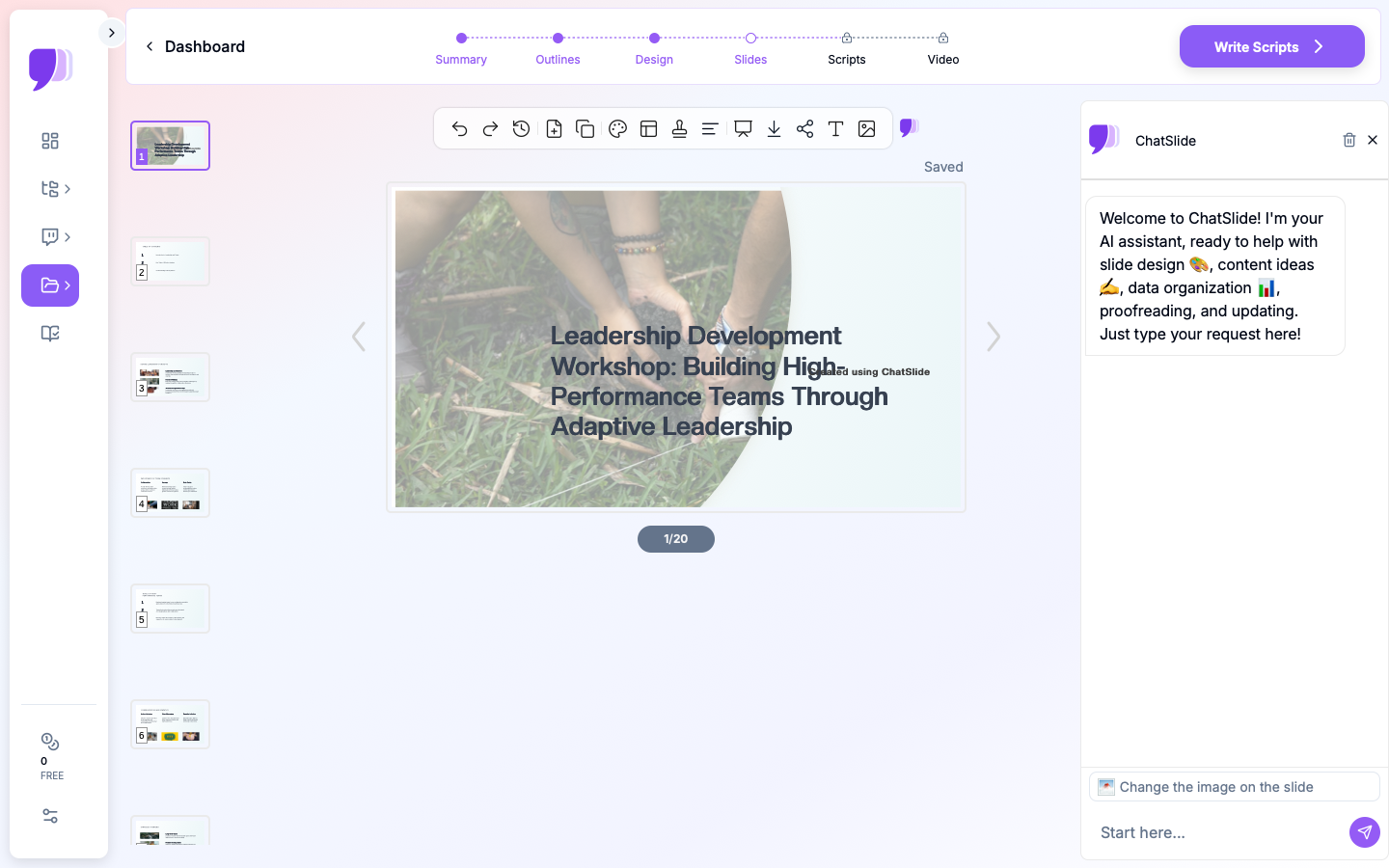
19 AI Editing Tools
"Chart OKR progress from this data," "Add a wins-and-shoutouts slide," "Condense the department updates to one slide each," "Rewrite the intro to be more human." Four editing modes and batch editing keep it consistent.
Reach People Who Missed It
Export a narrated AI-avatar video so remote and async employees get the same all-hands as the room.
How ChatSlide Builds an All-Hands Deck
- Gather inputs — collect department updates and metrics, or paste them in.
- AI structures it — into your all-hands flow with real KPI charts.
- Edit with 19 tools — add wins, tighten updates, warm up the tone.
- Present and share — present live, then export a narrated video for async staff.
Frequently Asked Questions
Can it chart our company KPIs?
Yes. Provide your numbers and ChatSlide builds real charts with Chart.js and D3.
Can many people contribute?
Yes — Teams, Folders, and Sharing let every department add slides, then you assemble the final deck.
Can I keep the same format monthly?
Yes. Prior all-hands decks persist in your knowledge base, so each one builds on the last.
Can remote employees get the same experience?
Yes. Export a narrated avatar video for async and remote staff.
What can I import?
Department docs, metrics exports, and prior decks — 7+ file types with OCR.
The All-Hands Deck: Slide-by-Slide Outline
An all-hands that informs and motivates (keep it under 20 slides):
- Welcome & agenda
- Mission reminder — why we're here
- The numbers — company KPIs vs. plan, honestly (charted)
- Progress on priorities / OKRs
- Department highlights — one slide per team, tightly edited
- Wins & shout-outs — celebrate people by name
- What's next — the focus for the coming period
- Changes / news — anything the company needs to hear directly
- Q&A — leave real time, and answer the hard ones
Tip: lead with the honest numbers, not the wins — trust comes from not spinning, and it makes the wins land.
Getting Started
Try ChatSlide for Town Hall & All-Hands Presentations — Gather your updates and metrics and get an engaging all-hands deck in minutes. Free to start, no credit card required.
ChatSlide is a general-purpose AI presentation platform. Multi-format import, real data charts, a persistent knowledge base, avatar video, and 19 AI editing tools make it well-suited to recurring town halls and all-hands meetings.