
Quick Answer: If you are preparing a continuing education lecture for optometrists — a two-hour myopia management course, a dry eye update, a staff training session — ChatSlide turns your course goals, guideline PDFs, and references into a complete CE slide deck in minutes. It is used by 300,000+ users across 750+ universities, searches PubMed and Google Scholar from inside the editor, builds 60-slide lecture decks with citations, generates charts from real data, writes per-slide speaker notes you can teach from, and exports to editable PowerPoint on paid plans. Free to start, no card required.
The CE Lecture Problem
A continuing education lecture is the hardest kind of presentation an optometrist ever builds. A one-hour CE course typically needs 40–60 slides, stated learning objectives, current citations in a consistent format, assessment questions, and content that survives the scrutiny of a room full of peers who also read the literature. For a fast-moving topic like myopia management — where the evidence on low-dose atropine, orthokeratology, and myopia-control spectacle and contact lens designs shifts every year — a deck you taught from in 2024 is already out of date.
Most ODs build these decks the painful way: nights and weekends in PowerPoint, alt-tabbing between PubMed, guideline PDFs, and a slide template, formatting references by hand. The clinical knowledge is the easy part. The slide production is what eats the week.
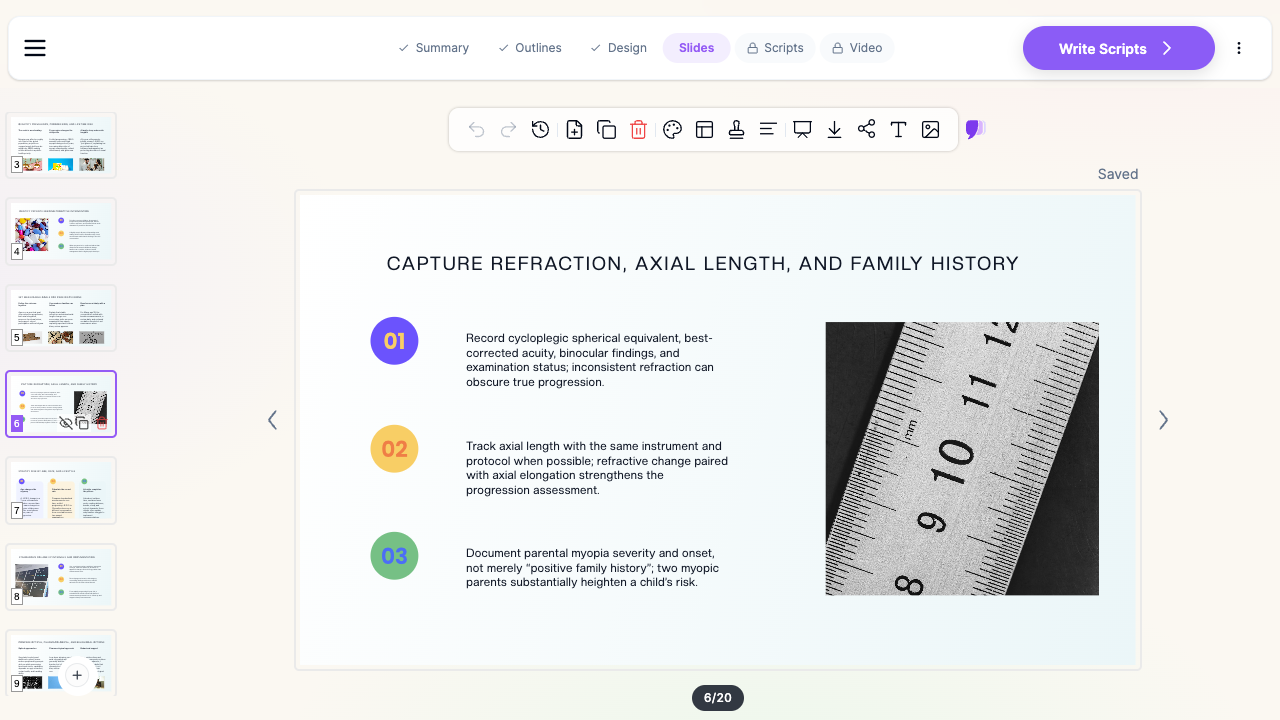

What Makes ChatSlide Powerful for Optometry CE
Long-Form Lecture Generation
CE courses are long. ChatSlide generates full-length lecture decks — 40, 50, 60 slides — from a topic prompt and your course goals, organized into sections that map naturally onto learning objectives: why the topic matters, how to assess, what the interventions are, how to monitor, and how to implement in practice. You describe the course ("a 2-hour myopia management CE lecture covering risk assessment, evidence-based interventions, and clinic implementation"), and the outline arrives structured for teaching.
PubMed and Google Scholar Inside the Editor
The evidence base for myopia management lives in journals — atropine dosing trials, ortho-k axial length studies, spectacle lens RCTs. ChatSlide's Research tab searches PubMed by keyword, PMID, or DOI and pulls key findings into your slides with citations, so your claims slide and your reference slide stay in sync. No more copy-pasting citation strings from a browser tab.
Real Data Charts
Prevalence trends, dose-response comparisons, axial elongation curves — CE audiences expect data shown as data. Paste or upload your numbers and ChatSlide renders native editable charts instead of blurry screenshots cropped from papers.
Import Your Existing Decks and Guideline PDFs
Most CE lectures start from something: last year's course, a society guideline PDF, a chapter. Upload PowerPoint or PDF files and ChatSlide extracts the content — including text locked inside images, via OCR — and rebuilds it into a clean, consistent deck. This is how a dated 2023 myopia course becomes a 2026 one without starting from zero.
Speaker Notes You Can Teach From
Every slide gets AI-written speaker notes matched to its content. For a two-hour lecture, that is the difference between memorizing 60 slides and walking in with a script — one you edit to add your own cases and clinical pearls.
Assessment and Recap Slides
CE formats often require knowledge checks. Ask ChatSlide to add quiz questions, case vignettes, or section recaps, and the AI editing tools (19 of them — rewrite, expand, simplify, translate, restyle) reshape any slide without breaking the deck's design.
How ChatSlide Builds Your CE Lecture
- Describe the course or upload your sources. Type the lecture topic and audience, or upload guideline PDFs, papers, and an old deck. ChatSlide extracts and organizes the content.
- Review the outline. The AI proposes a section-by-section lecture structure — reorder, merge, or add sections to match your stated learning objectives.
- Generate slides with images and charts. ChatSlide writes the slides, adds relevant imagery, renders your data as charts, and attaches citations from the Research tab.
- Polish and export. Edit anything inline, generate speaker notes, then export to PowerPoint or PDF — or record the deck as a narrated video for on-demand CE.
Use Cases for Optometrists
The two-hour myopia management CE course. The flagship case: a 60-slide lecture covering prevalence, risk factors, axial length measurement, atropine, ortho-k, myopia-control lenses, and clinic protocols — with references formatted consistently and quiz slides at section breaks. What normally takes several weekends comes together in an afternoon of editing instead of building.
The practice staff training deck. Turning your CE knowledge into a 20-slide training for technicians and front desk staff — what myopia management is, how to talk to parents about it, how the axial length workflow runs — is a quick regeneration of the same material for a new audience.
The parent seminar. A community talk or in-office seminar for parents of myopic children needs the same evidence at a completely different reading level. ChatSlide's simplify and rewrite tools convert clinical slides into plain-language ones.
The society conference talk. A 12-minute podium version of your CE lecture for a state association meeting: cut the deck down, tighten the notes, keep the citations.
Optometry school and residency teaching. Faculty building a semester of lecture decks can regenerate consistent, current slides each term instead of patching old files.
Optometry Presentation AI Tools Compared (2026)
| Capability | ChatSlide | Gamma | Canva | Beautiful.ai |
|---|---|---|---|---|
PubMed / Scholar search with citations | ✅ Built-in | ❌ | ❌ | ❌ |
40–60 slide lecture decks | ✅ | ✅ (paid) | ✅ | ✅ |
PDF / PPT import with OCR | ✅ | Partial | Partial | Partial |
Editable data charts | ✅ | ✅ | ✅ | ✅ |
AI per-slide speaker notes | ✅ | ✅ | ✅ | ✅ |
AI-narrated video export (on-demand CE) | ✅ | ❌ | Partial | ❌ |
Editable PowerPoint export | ✅ (paid plans) | ✅ | ✅ | ✅ |
Free tier | ✅ | ✅ | ✅ | Trial only |
General-purpose deck tools produce attractive slides, but none of them connect to the research databases a clinical CE lecture depends on — which means the slowest part of the job, evidence and citations, stays manual.
Time Comparison: Manual vs. AI-Assisted
Typical estimates for a two-hour, 50–60 slide CE lecture — your numbers will vary with topic familiarity and how much you edit:
| Task | Manual | With ChatSlide |
|---|---|---|
Literature search and citation formatting | 4–6 hours | 30–45 min (Research tab, inline citations) |
Outline and learning-objective structure | 2–3 hours | Minutes (generated, then edited) |
Building 50–60 slides with layout and images | 8–12 hours | 20–30 min generation + 1–2 hours editing |
Charts from study data | 1–2 hours | Minutes per chart |
Speaker notes for a 2-hour talk | 3–4 hours | Generated, then personalized |
Total | 18–27 hours | 3–5 hours |
The hours you keep go where they belong: refining the clinical message, adding your own cases, and rehearsing.
What a Strong Myopia Management CE Lecture Includes
The domain content still has to be right — AI accelerates the slides, not the scholarship. A CE lecture on myopia management that peers take seriously typically covers:
- The epidemiological case. Global prevalence is rising; the widely cited projection from Holden and colleagues (Ophthalmology, 2016) estimates roughly half the world's population could be myopic by 2050. Present prevalence as a trend chart, not a paragraph.
- Risk assessment. Age of onset, rate of progression, parental myopia, near-work and outdoor-time patterns — and the growing role of axial length alongside cycloplegic refraction in progression monitoring.
- The intervention evidence. Low-dose atropine (and the dose-response story), orthokeratology, soft multifocal and dual-focus contact lenses, and myopia-control spectacle lens designs — each with its trial evidence, effect sizes, and practical candidacy criteria.
- Monitoring protocols. Measurement cadence, instrumentation consistency, when to escalate or combine treatments, and how to define treatment failure.
- Clinic implementation. Fees and communication, parent counseling scripts, staff roles, and documentation.
- Learning objectives up front, assessment at the end. State what attendees will be able to do; test it with case-based questions.
- A consistent reference format. Whatever style your CE provider expects, apply it uniformly — this is exactly the kind of tedium the Research tab's citation handling removes.
Direct Research Database Access
ChatSlide's Research tab connects to the databases physicians use daily:
- PubMed: Search by keyword, PMID, or DOI. Find the landmark trials, recent publications, and clinical guidelines relevant to your case. The AI reads abstracts and incorporates key findings into your slides with citations.
- Google Scholar: When your topic spans disciplines — say, the intersection of genetics and oncology — Scholar captures the broader academic literature that PubMed alone might miss.
- Clinical Trials (NCT): Presenting on a treatment where pivotal trials are ongoing? Search by NCT number or condition to pull trial design, endpoints, and status into your slides.

Best Practices for CE Slide Decks
Do:
- Anchor every efficacy claim to a citation on the slide where the claim appears
- Use one chart per key comparison — dose-response, treatment effect, progression curves
- Write speaker notes as spoken language, not slide text repeated
- Include case vignettes; adults learn interventions through patients, not tables
- Rehearse from the exported deck in presenter view before the course
Don't:
- Paste table screenshots from papers when an editable chart is clearer
- Exceed roughly one slide per minute of lecture time
- Mix reference formats across sections
- Put real patient data on slides — de-identify everything, always
Note on patient data: ChatSlide's standard plans are not a HIPAA-covered service — keep PHI out of slide content and uploads. For hospital systems, group practices, and clinics that need a Business Associate Agreement, our Enterprise plan offers HIPAA-compliant deployment options — contact us to discuss BAA terms, SSO, and on-prem / private-cloud hosting.
ChatSlide for Optometry Groups and CE Providers
Group practices, optometry schools, and CE course providers can standardize the whole pipeline: shared brand templates so every lecturer's deck matches, team billing, SSO, and collaborative editing across locations. For organizations with compliance requirements, Enterprise deployment adds the BAA and private hosting options above — contact us to set up a team workspace.
Frequently Asked Questions
Can ChatSlide really generate a 60-slide CE lecture? Yes. Specify the length and structure in your prompt (sections, slides per section) and the generator builds the full deck; you then edit rather than author. Long decks work best when you review the outline carefully before generating slides.
Does it cite real papers? The Research tab pulls real, verifiable entries from PubMed, Google Scholar, and ClinicalTrials.gov, and citations added from it link to the actual source. As with any tool — and any human-built deck — verify that each citation supports the specific claim before you teach it.
Can I import my old myopia lecture and update it? Yes. Upload the PowerPoint or PDF; ChatSlide extracts the content (including text inside images via OCR) and rebuilds it, and you add the new evidence through the Research tab.
Does using ChatSlide make my course CE-accredited? No — accreditation comes from your CE provider or accrediting body, not from the slide tool. ChatSlide handles the deck: objectives, content, citations, assessment slides, and handout export in the format your provider requires.
Can I turn the lecture into an on-demand video? Yes. ChatSlide can narrate the deck with an AI voice or avatar presenter and export a video — a common route for recorded CE modules and practice training libraries.
What about non-clinical optometry topics — practice management, billing, staff training? The same workflow applies; skip the Research tab and generate from your own documents or prompts.
Is my content used to train AI models? Your uploads and generated decks stay in your workspace. Organizations that need contractual guarantees on data handling — including training exclusions — get them in writing with the Enterprise plan: contact us.
How much does it cost? You can build your first decks free, with no card. Paid plans unlock PowerPoint export and lift limits on deck length, uploads, and video; Enterprise adds team and compliance features.
Get Started
Your next CE lecture does not need to cost you three weekends. Make your optometry CE presentation with ChatSlide — describe the course, pull the evidence from PubMed, and walk into the room with a deck, notes, and quiz slides that look like they took a month.